How to Make Transparent PNG Images Online
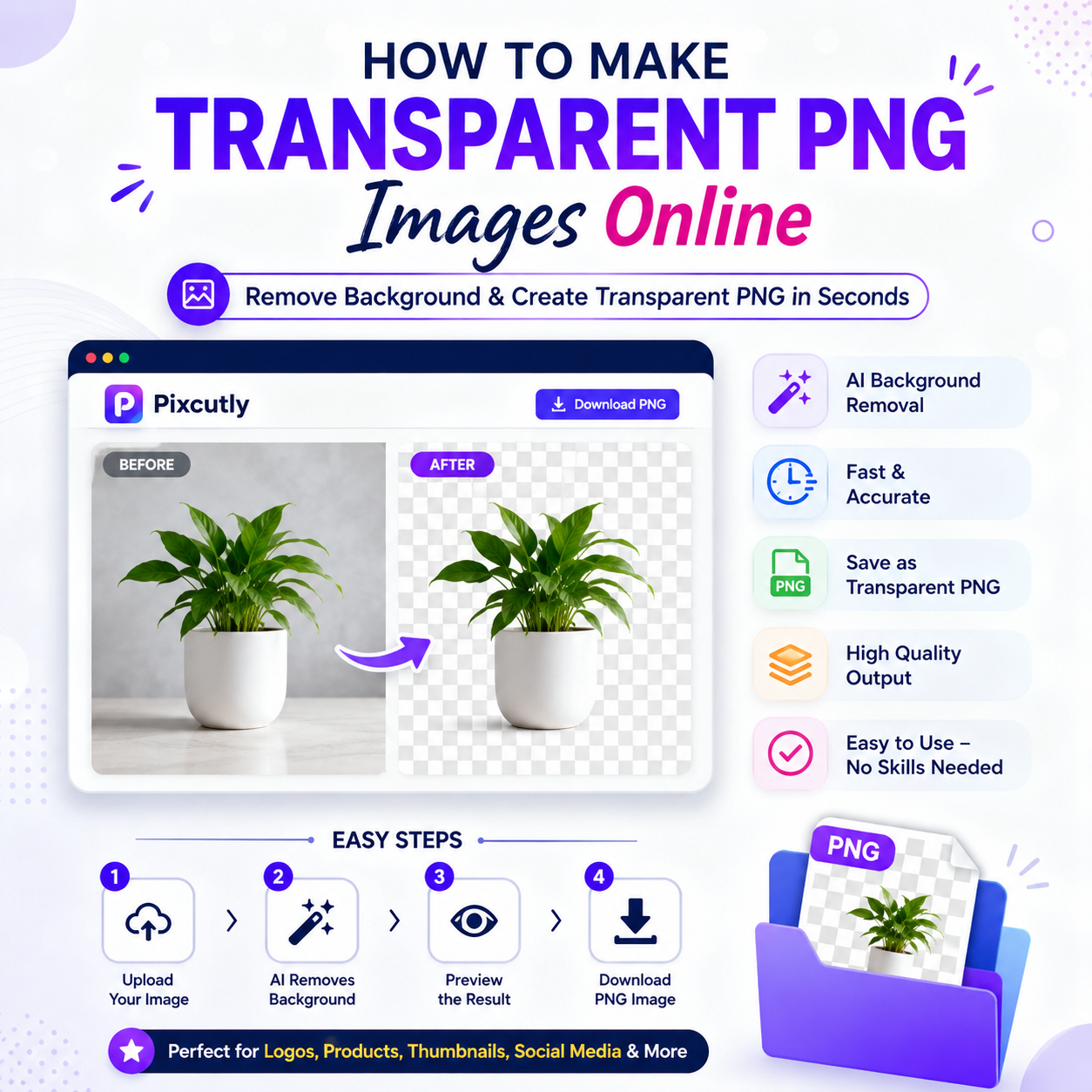
Creating transparent PNG images used to require professional editing software and advanced design skills. Today, AI-powered online too ls have made the process incredibly simple. Whether you're a business owner, graphic designer, online seller, content creator, or student, you can remove image backgrounds and create high-quality transparent PNG files in just a few clicks. These images are perfect for logos, product photos, presentations, websites, YouTube thumbnails, and social media graphics because they blend seamlessly with any background and give your designs a clean, professional appearance.
A transparent PNG is an image without a visible background. Unlike JPG files, which always include a solid background color, PNG files support transparency, allowing only the main subject to remain visible. This makes them ideal for branding, marketing materials, eCommerce product listings, and digital content. Businesses often use transparent logos on websites, while online sellers rely on transparent product images to create attractive product catalogs. Designers also prefer PNG files because they offer better flexibility when creating banners, advertisements, or promotional graphics.
Making a transparent PNG online is easier than ever. Simply upload your image to an AI-powered background removal tool, and the software automatically detects the main subject while removing the background in seconds. After processing, review the image to ensure the edges look clean and natural. Most modern AI tools also allow you to make small adjustments if necessary. Once you're satisfied with the result, download the image in PNG format to preserve the transparent background. The entire process usually takes less than a minute and requires no design experience.
Transparent PNG images offer several advantages beyond aesthetics.
They improve the overall quality of your visual content, make product images look more professional, and save valuable editing time. Whether you're creating marketing materials, updating your website, designing social media posts, or preparing business presentations, transparent PNG files help maintain a polished and consistent visual identity. They also eliminate the need to manually erase backgrounds, making them a practical solution for anyone working with images regularly.
To achieve the best results, always start with a high-resolution image where the subject is clearly separated from the background. Good lighting and sharp image quality allow AI tools to detect edges more accurately, resulting in cleaner cutouts. Before downloading, inspect the image carefully for any remaining background elements or rough edges. Most importantly, remember to save the final file as a PNG rather than a JPG, since JPG does not support transparency.
Many users accidentally download their edited images as JPG files or use low-quality source images, which can reduce the final output quality. Another common mistake is skipping the preview step before downloading. Taking a few extra seconds to inspect and refine the image can significantly improve the final result, especially if the image will be used for professional purposes such as websites, advertisements, or branding materials.
AI has transformed image editing by making background removal faster, easier, and more accessible than ever before. Tasks that once required advanced software and considerable editing experience can now be completed automatically in seconds. This allows businesses, creators, and marketers to focus more on creating engaging content instead of spending time on manual editing. As AI technology continues to improve, creating transparent PNG images online will become even more accurate and efficient.
If you're looking for a quick and hassle-free way to create transparent PNG images, online AI tools are an excellent choice. They provide professional-quality results without requiring expensive software or technical expertise. Whether you're editing a company logo, enhancing product photos, or designing eye-catching social media graphics, transparent PNG images can elevate the quality of your visual content and help you create a stronger impression with your audience.