YouTube Thumbnail Size Guide: Best Dimensions, Resolution & Tips for 2026
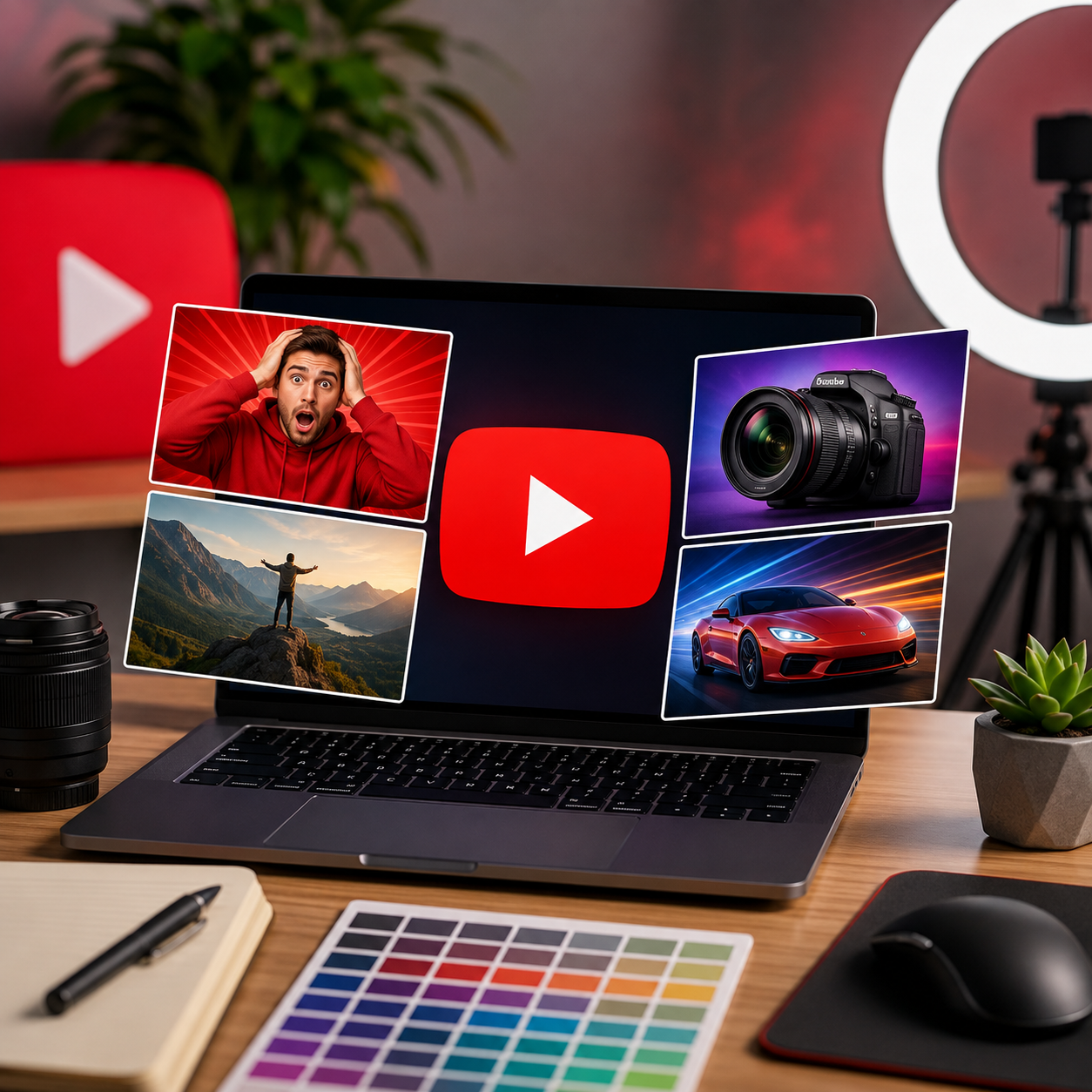
Your YouTube thumbnail is the first thing viewers notice before deciding whether to click on your video. Even the best content can struggle to get views if the thumbnail is blurry, poorly sized, or difficult to read. A high-quality thumbnail grabs attention, improves click-through rate (CTR), and helps your videos stand out in YouTube search results and recommendations. Understanding the correct thumbnail size and design practices is essential for every content creator.
The recommended YouTube thumbnail size is 1280 × 720 pixels with a 16:9 aspect ratio. This resolution ensures your thumbnail looks sharp on desktops, mobile devices, tablets, and smart TVs. YouTube recommends using images that are at least 640 pixels wide, but 1280 × 720 provides the best quality. The thumbnail file should be in JPG, PNG, GIF, or WebP format and should not exceed 2 MB in size.
Creating a great thumbnail is about more than choosing the right dimensions. Your design should immediately communicate what the video is about. Use a clear, high-resolution image, bold readable text, contrasting colors, and a strong focal point such as a face, product, or object. Keep the design simple so viewers can understand it even on small mobile screens, where a large percentage of YouTube traffic comes from.
If your thumbnail appears blurry after uploading, the issue is often caused by using a low-resolution image or compressing it too much before uploading. Always start with a high-quality image and export it at the recommended resolution. Avoid stretching small images because this can reduce sharpness and make text difficult to read.
Many creators use AI-powered image editing tools to improve their thumbnails before uploading. AI can enhance image quality, remove distracting backgrounds, sharpen details, and resize images without losing clarity. These features help create professional-looking thumbnails that attract more clicks without requiring advanced design skills.
When designing YouTube thumbnails, avoid common mistakes such as overcrowding the design with too much text, using low-contrast colors, choosing fonts that are difficult to read, or adding unnecessary visual elements. A clean, eye-catching thumbnail is usually more effective than one filled with excessive graphics.
Consistency is another important factor for growing a YouTube channel. Using similar fonts, colors, and layouts across your thumbnails helps build a recognizable brand identity. Viewers begin to recognize your content more easily, which can improve engagement and encourage repeat viewers.
Whether you're a beginner or an experienced creator, following YouTube's recommended thumbnail dimensions and design best practices can significantly improve your video's performance. Combined with AI-powered image editing tools, creating professional-quality thumbnails has become faster and easier than ever.
A well-designed thumbnail doesn't guarantee viral success, but it greatly increases the chances of attracting viewers and encouraging them to click on your content. Investing a few extra minutes in thumbnail design can make a noticeable difference in your channel's growth.